Workspace Settings & Defaults
Overview
Workspace settings control how your whole workspace behaves - its name, seats, post approval, and the defaults that apply to every member. A workspace is your team's shared space for creating and publishing content, and these settings keep it organised.
Workspace settings
Open Settings from the sidebar, then select the General (Workspace) tab.
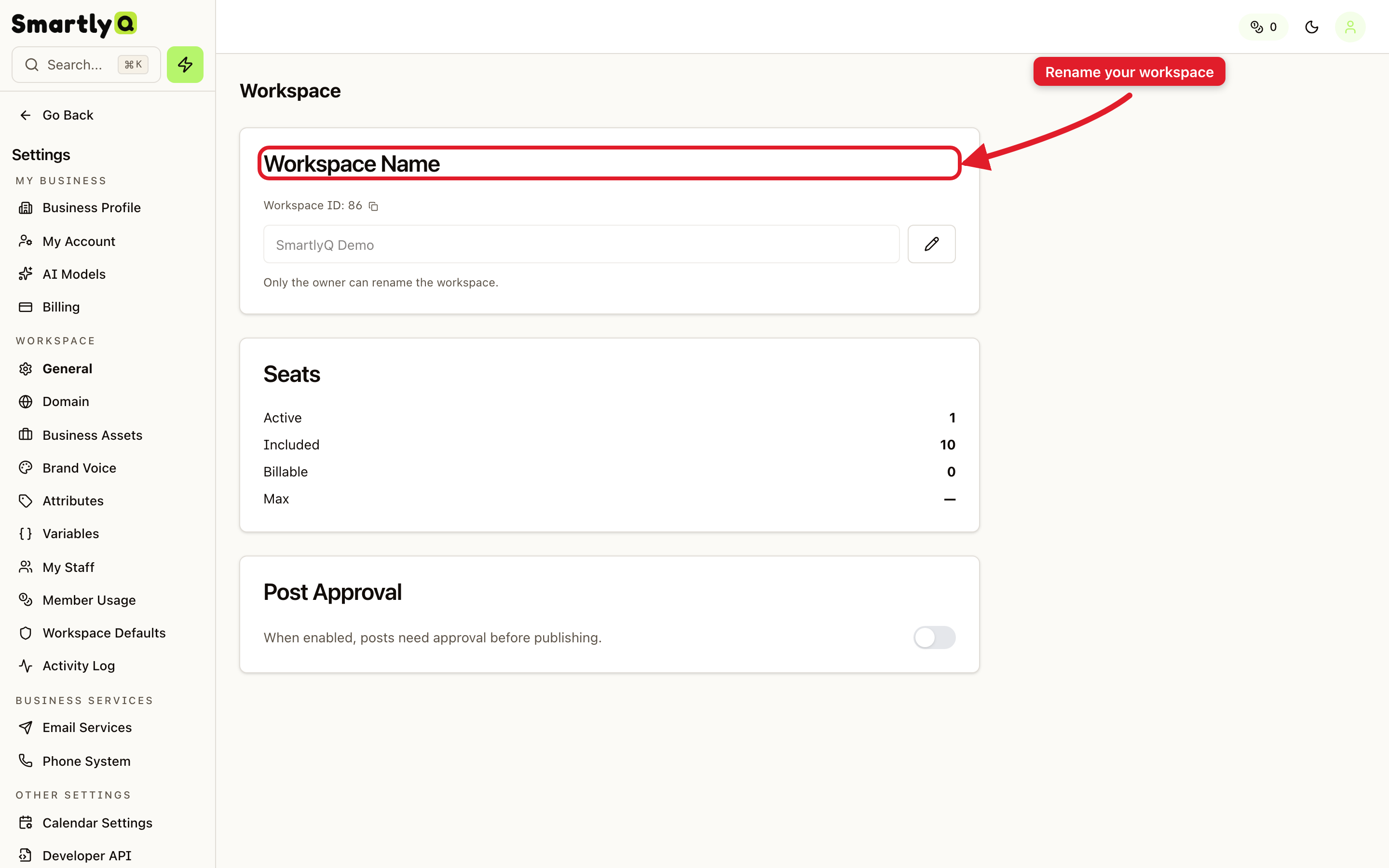
Here you can:
- Workspace Name - rename your workspace. This name appears in the sidebar and on shared content, so make it recognisable.
- Seats - see how many member seats your plan includes and how many are in use.
- Post Approval - require posts to be approved before they publish, which is handy for teams that want a review step.
Only the workspace owner can rename the workspace.
Workspace defaults
Select the Workspace Defaults tab to set preferences that apply to everyone in the workspace.
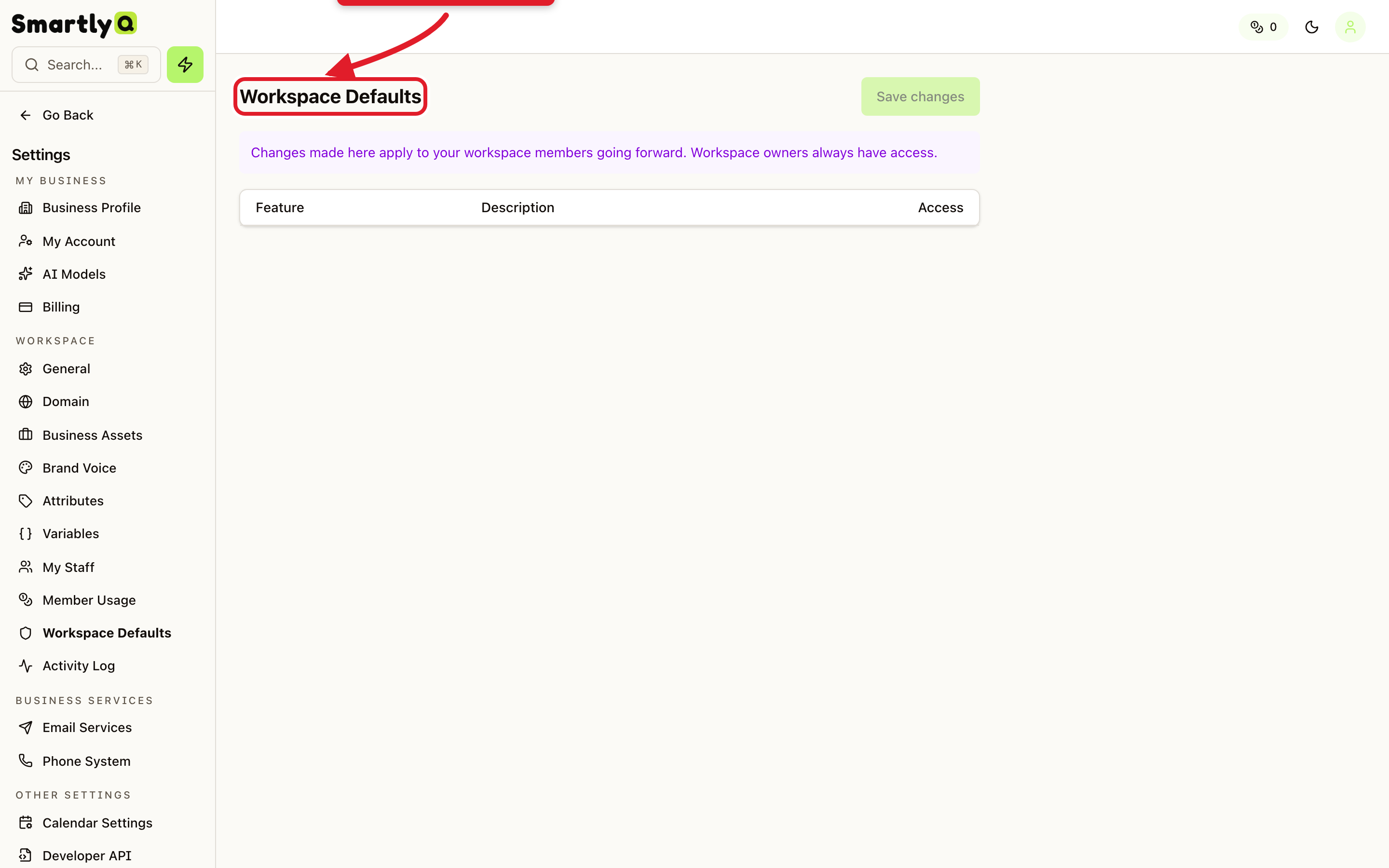
Defaults save your team from configuring the same things repeatedly - the choices you make here apply to workspace members going forward. Workspace owners always keep full access regardless of the defaults.
Tips
- Name your workspace clearly if you manage more than one (for example, one per client or brand).
- Turn on post approval when you want oversight before content goes live.
- Set sensible defaults once so new members start with the right configuration.