Site Audit: Find & Fix On-Page SEO Issues
Overview
Site Audit crawls your website and reviews the on-page health of every page - flagging the technical and SEO issues that hold your rankings back. It's the fastest way to find what to fix.
Where to find it
From the sidebar, open SEO > Site Audit.
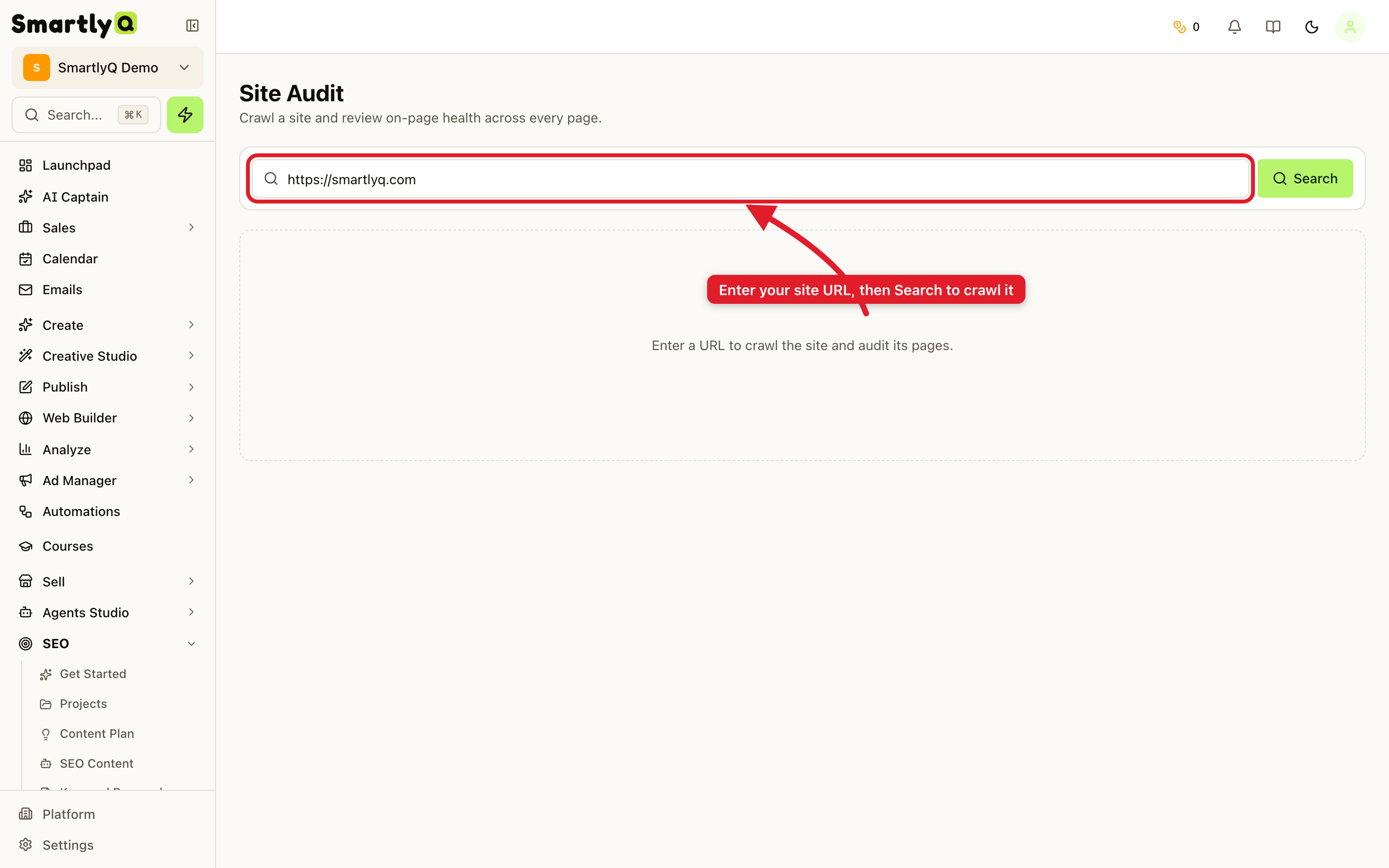
Running an audit
- Enter your site URL (for example,
https://smartlyq.com). - Click Search.
SmartlyQ crawls the site and audits its pages. Larger sites take a little longer to finish.
What it checks
Once the crawl completes, you get a health report across common SEO factors, such as:
- Missing or duplicate titles and meta descriptions.
- Broken links and redirects.
- Heading structure and content issues.
- Indexability and technical problems that block search engines.
Each issue is grouped so you can prioritise the highest-impact fixes first.
Tips
- Run an audit before a big content push so you fix the foundations first.
- Re-run periodically - sites drift as pages are added and changed.
- Fix the high-severity items first (titles, broken links, indexability) for the biggest gains.