SEO Content Optimizer
Overview
The SEO Content optimizer helps you write content that's built to rank. Instead of guessing, you write against a target keyword and get live, data-backed guidance - the terms to include, the structure to follow, and a score that climbs as your content improves.
Where to find it
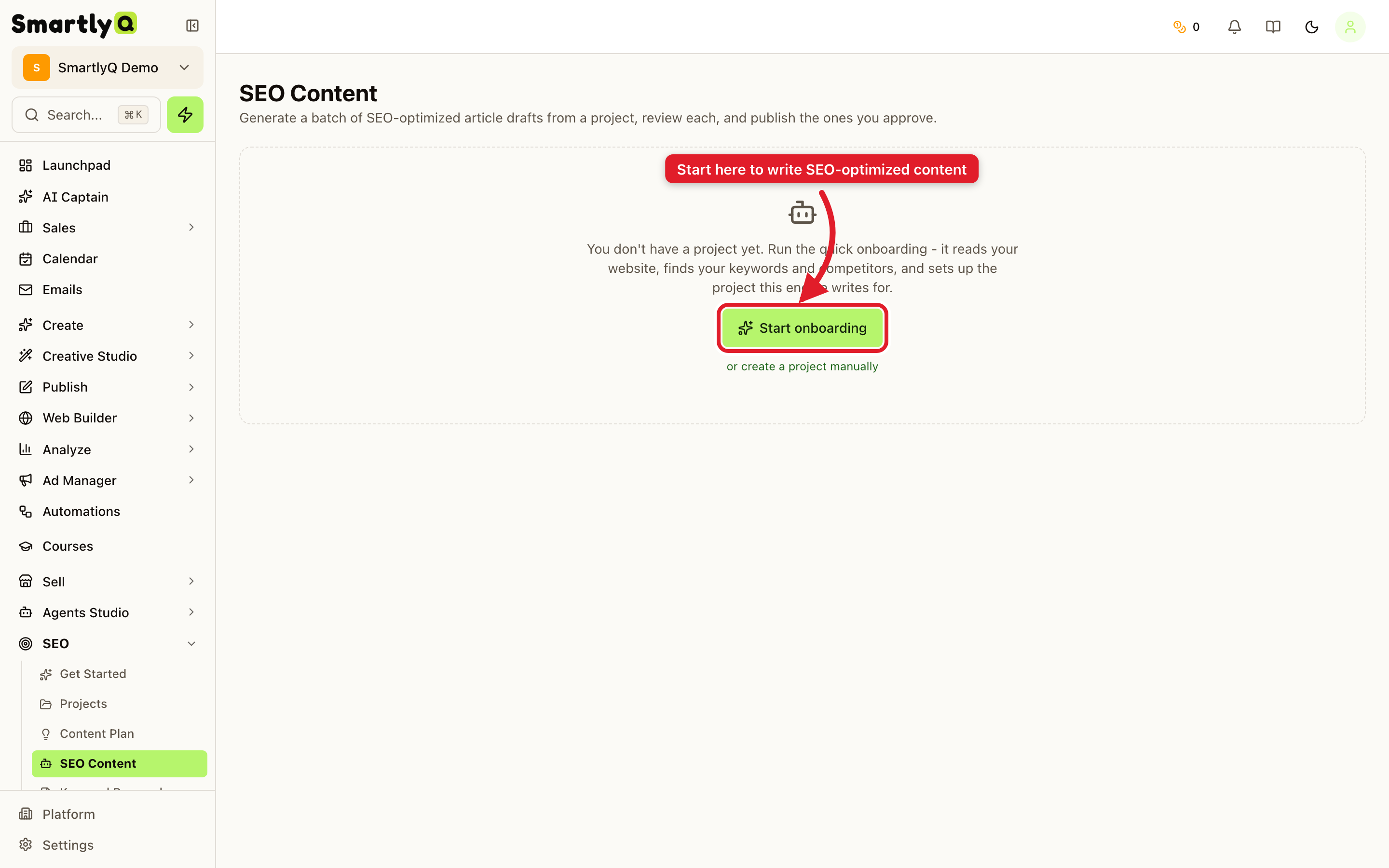
From the sidebar, open SEO > SEO Content.
Getting started
The optimizer works around a project for your website. The first time you open it, click Start onboarding (or create a project manually) to set up your site and target market. From there you can create optimized content pieces.
What it does
For each piece of content you get:
- A target keyword and the related terms search engines expect to see.
- A live optimization score that updates as you write, so you always know how competitive your draft is.
- SERP-based recommendations - SmartlyQ researches the top-ranking pages and shows what they cover, so you can match and beat them.
- Structure guidance - suggested headings and topics to include.
Tips
- Write to the score, not past it - hit the recommended terms naturally; don't keyword-stuff.
- Cover the gaps competitors miss - that's where you win the ranking.
- Pair it with Keyword Research - pick the keyword there, then optimise the content here.
Shortcut: The Article Generator also has an SEO-optimized (research the SERP) option that applies the same research automatically when generating a full article.