Managing Your Account & Profile
Overview
Your Account settings are where you manage your personal profile, login details, and privacy. These settings are tied to you as a user, separate from your workspace or business settings.
Where to find it
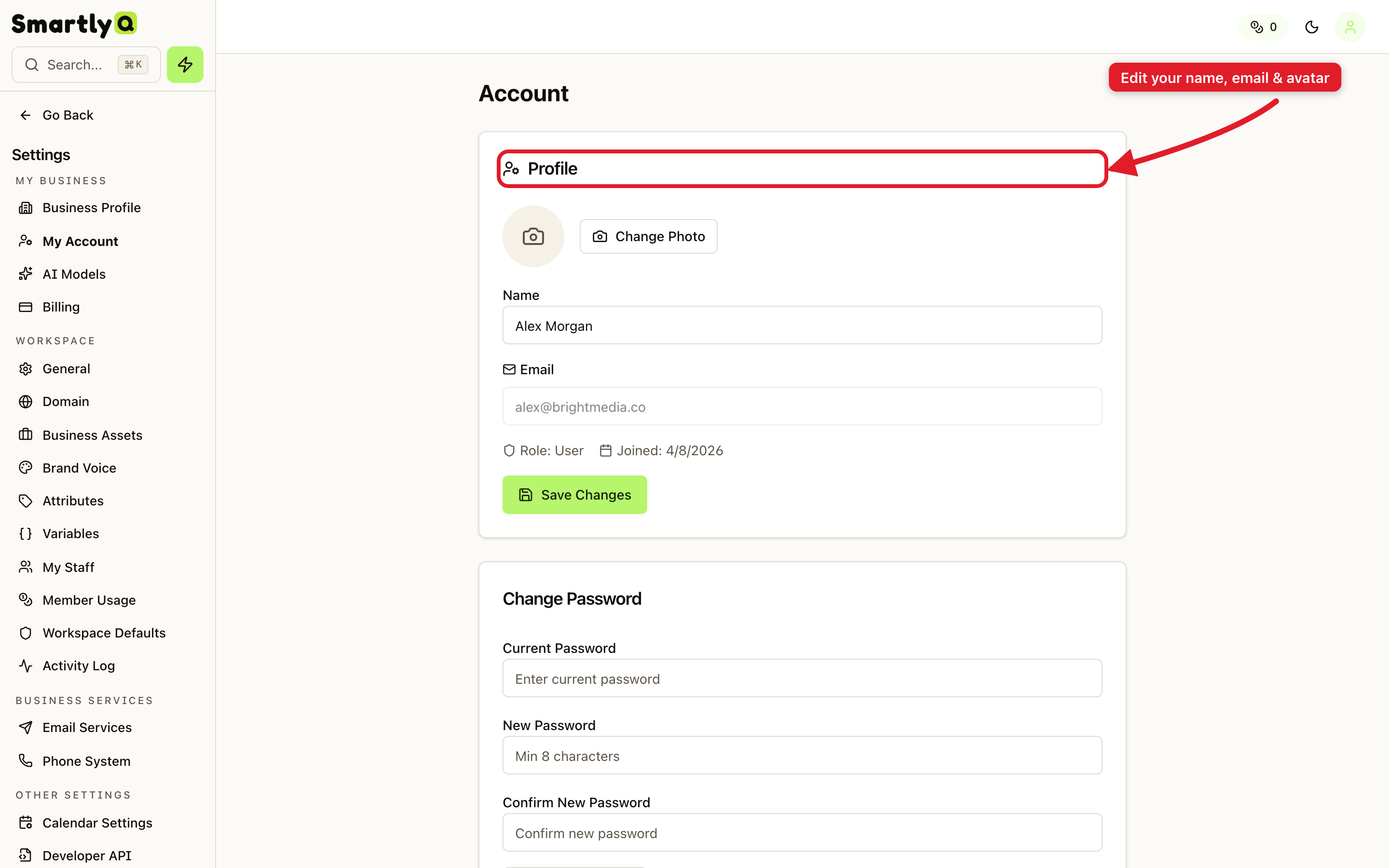
Open Settings from the sidebar, then select the My Account tab.
What you can manage
- Profile - update your name, email address, and profile picture. Your name is what teammates see and what appears in the dashboard greeting.
- Change Password - set a new password to keep your account secure. You'll enter your current password, then your new one.
- Your Data & Privacy - export a copy of your account data whenever you need it.
- Delete Account - permanently remove your account and its data. This action can't be undone, so use it with care.
Tips
- Keep your email current - important notifications, invoices, and password resets are sent there.
- Use a strong, unique password and update it periodically.
- Adding a profile picture makes your account easier to recognise for teammates in shared workspaces.