Integrations: Connect Your Favorite Tools
Overview
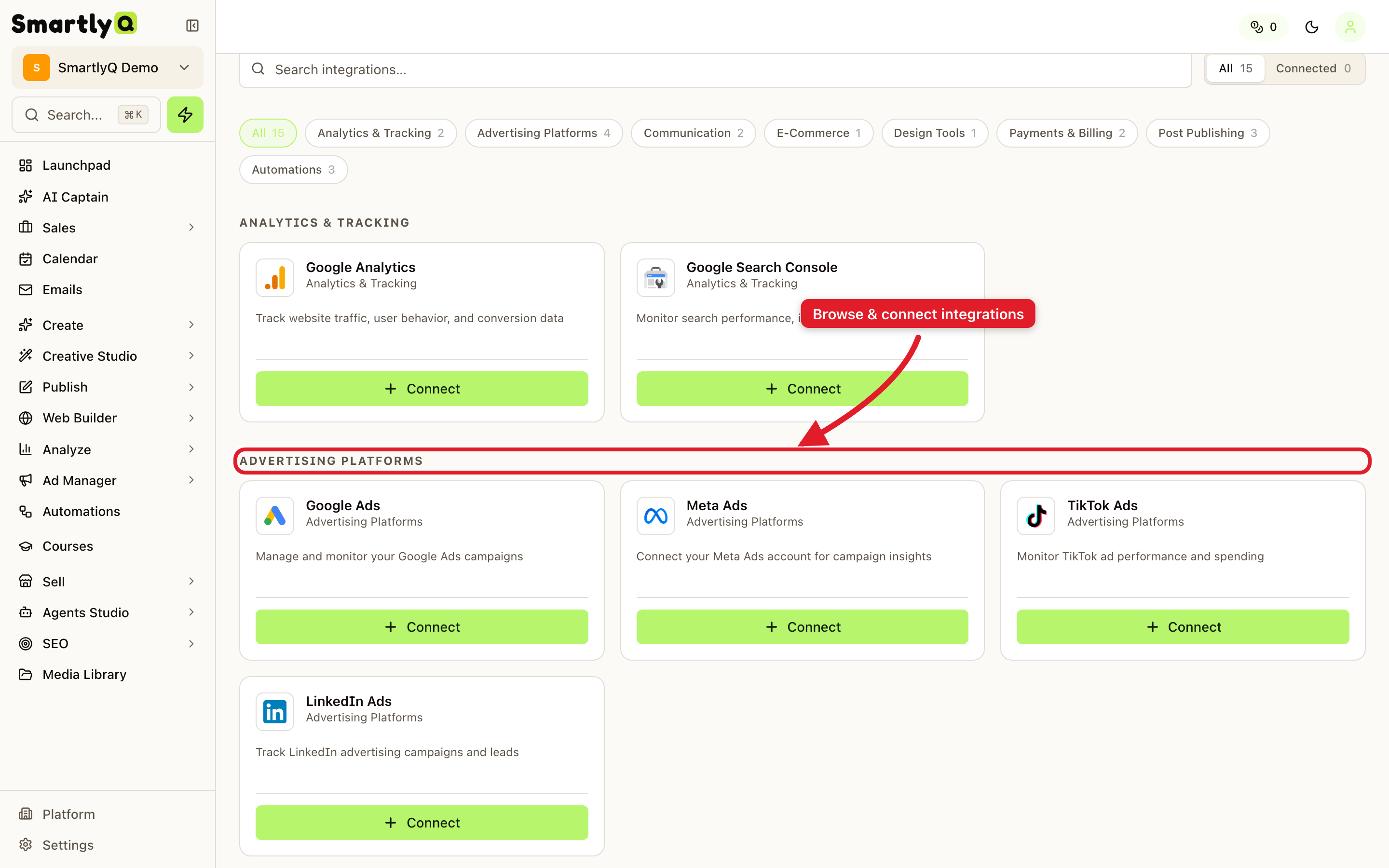
The Integrations page is your hub for connecting SmartlyQ to the other tools you already use - advertising platforms, analytics, e-commerce stores, publishing destinations, and more. Connecting an integration lets data flow between SmartlyQ and that service so you can manage more of your marketing in one place.
Where to find it
Open Connect > Integrations from the sidebar.
What you can connect
Integrations are grouped by category, including:
- Analytics & Tracking - bring performance data into your reports.
- Advertising Platforms - connect ad accounts to manage and analyse campaigns.
- Communication - link messaging channels.
- E-Commerce - connect your online store.
- Post Publishing - publish content to external destinations such as your CMS.
- Payments & Billing and Automations - connect the services that power checkout and workflow automation.
How to connect one
- Find the service you want in its category.
- Click it to start the connection.
- Authorise SmartlyQ with that service and choose the accounts or assets to connect.
- Finish - the integration now appears as connected, and its data flows into the relevant parts of SmartlyQ.
Tip: Connect your advertising and analytics accounts first - they unlock unified reporting across your organic and paid marketing.