Building Your First Automation
Overview
Automations let you put repetitive marketing work on autopilot. Each automation is a no-code flow that fires on a trigger and then runs actions - so things happen automatically without you lifting a finger.
Where to find it
Open Automations from the sidebar.
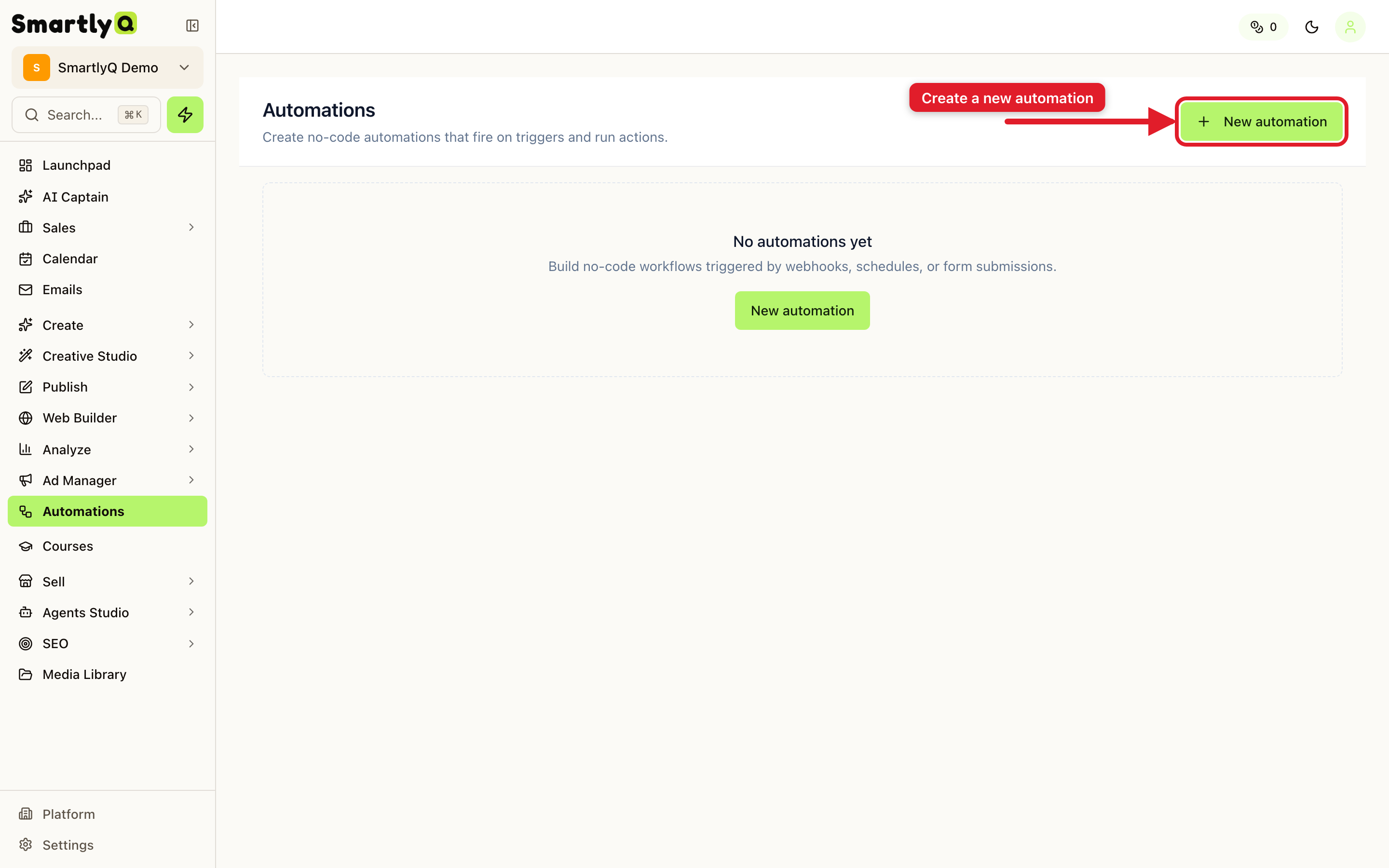
Creating an automation
- Click New automation in the top right.
- Choose Start blank to design your own flow (or start from a template when one fits).
- On the canvas, add a trigger - the event that starts the automation (for example, a new lead or a scheduled time).
- Add one or more actions - what should happen when the trigger fires (for example, send a message, add a tag, or create a task).
- Save and enable the automation - it now runs on its own whenever the trigger occurs.
Why use automations
- Save time - hand off repetitive steps to the system.
- Stay consistent - every lead or event is handled the same way, every time.
- React instantly - actions fire the moment the trigger happens, day or night.
Tip: Start simple - one trigger and one action - then extend your flow with more steps once it's working the way you want.